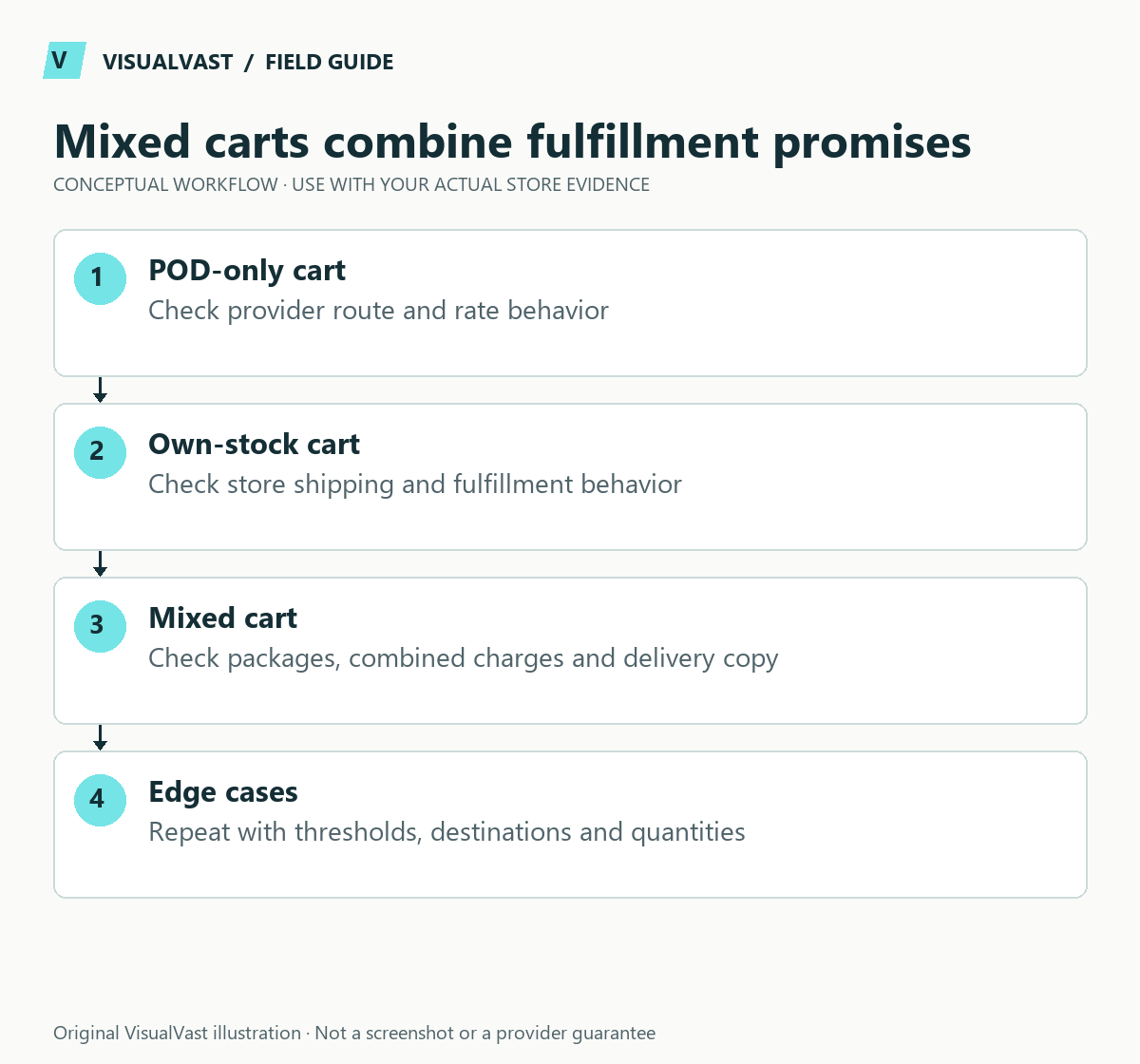
Mixed fulfillment needs an explicit shipping plan. A POD provider can calculate or fulfill its own products without handling the goods you pack yourself. Test what the customer pays, what each provider charges and what delivery promise the checkout makes before accepting a mixed order.
Start by naming the fulfillment owner for each product and variation. A digital file should not accidentally inherit a physical shipping requirement. A stocked item should not depend on a provider rate that applies only to synced POD items. Use the SKU and inventory plan to keep those identities clear.
Read the provider-specific rules
Printify’s WooCommerce shipping guide describes its shipping plugin and a custom-rate approach. For mixed fulfillment, it describes using WooCommerce’s own rates: turn off both the Printify shipping method and its override of standard rates in the Printify shipping settings, then configure and test your rates. This is a shipping-rate configuration change; fulfillment stays connected. Its automated shipping prices are in US dollars and are not converted to another store currency. Check the current instructions for your exact setup before changing anything.
Printful documents WooCommerce shipping configuration, including custom shipping classes and rates for greater control. Do not assume Printify’s plugin rules apply to Printful. Provider-specific behavior, packages and extension combinations need their own test.
Build the minimum cart matrix
Use this guide’s worksheet in the fillable workbook (PDF, page 25). Download and save a copy to retain your entries.
Use the pod cash-flow calculator
Download: Eight-case mixed-cart test matrix (CSV)
| Cart | Question to answer |
|---|---|
| One POD item | Is the baseline rate and delivery wording correct? |
| Two POD items | How do quantities and separate production categories affect cost? |
| Own-stock items only | Does the store’s intended method appear? |
| POD plus own stock | Are all fulfillment costs covered without a misleading single-parcel promise? |
| POD plus digital | Is only the physical portion shipped? |
| Mixed cart with discount | Does any free-shipping threshold behave as intended? |
| Same mixed cart to another supported destination | Does the correct zone and rate apply? |
| Unsupported destination | Does checkout explain the restriction and block an unfulfillable order? |
For each row record products, destination, displayed options, customer charge, estimated fulfillment cost and expected parcel count. Use the shipping-zone matrix for address boundaries. Keep screenshots of the actual tested configuration and its results.
Decide who absorbs any difference
A store may deliberately charge a blended rate, subsidize shipping or include it in the product price. That is a commercial decision; the provider still charges you for shipping. Calculate the margin on the actual mixed basket, including packaging or separate-parcel costs you bear.
For a fictional basket, a $6 customer shipping charge against $9 of combined fulfillment shipping means a $3 subsidy. That may be acceptable, but it should be intentional and included in the launch budget. Production timing also affects the POD cash requirement.
Test the promise after checkout
Check the order’s shipping detail, provider routing, staff packing instruction and tracking notifications. Customers should understand that parcels can arrive separately. If a Printify order fails to appear, use the routing diagnosis before resubmitting it.
Bring the completed matrix to Multichannel & POD implementation so the scope can cover the actual combinations. Re-run affected rows after shipping plugins, provider products or checkout behavior change.
Multichannel & POD
Connect your POD provider and test the failure paths
We map up to ten products to one supported provider on your existing WooCommerce store, then test orders, variations and failed steps before you go live. From $750 USD.