Treat an Etsy-to-WooCommerce product import as a mapping and quality-control task. Exporting listings gives you a starting dataset. Decide how titles, images, SKUs, variations, delivery information and files should work in the new catalog before importing everything.
Map Etsy columns and repair missing data before import
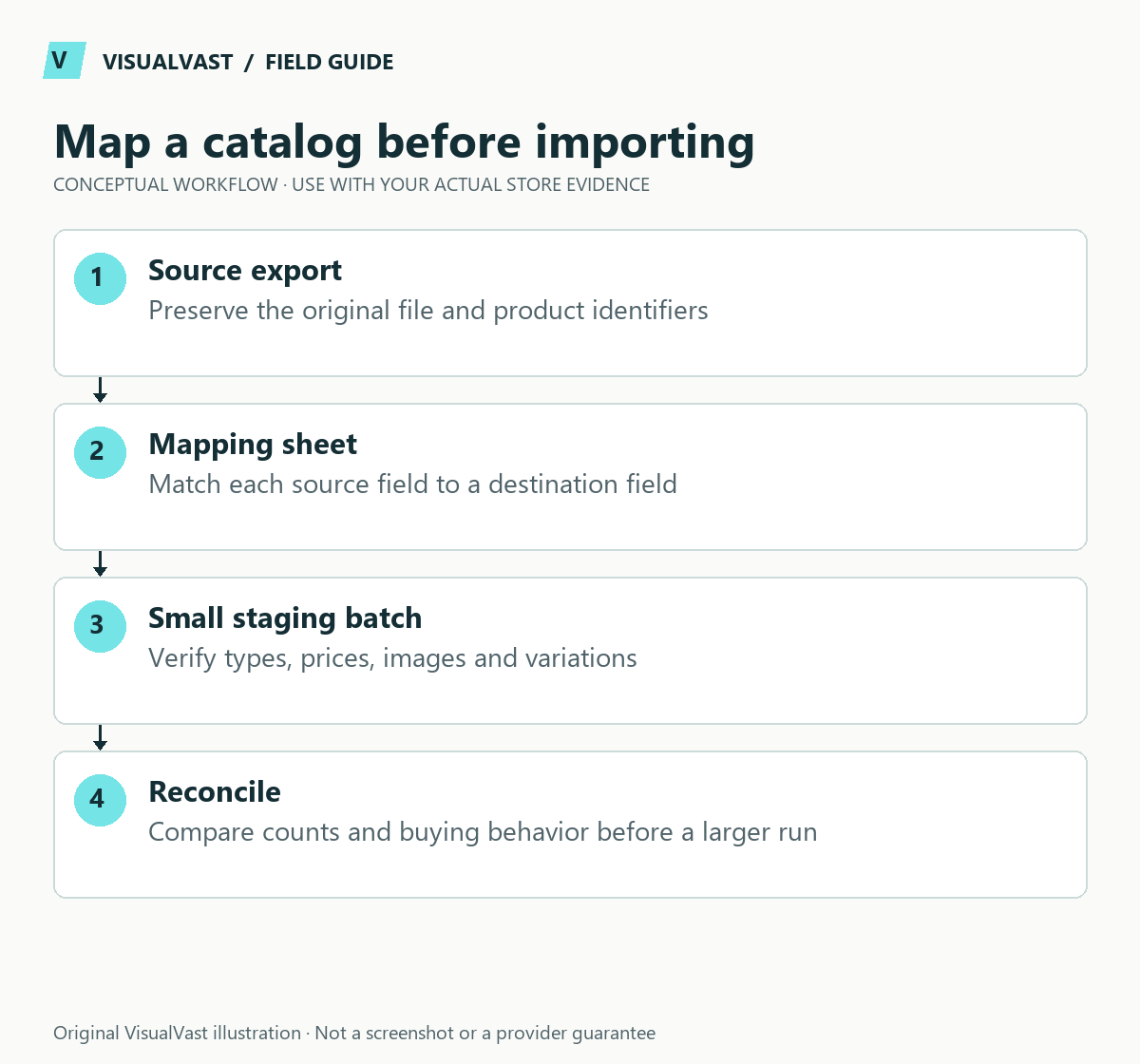
WooCommerce documents this as a one-time import. Its Etsy import guidance warns about missing variant quantities/prices, digital products arriving as physical products, and separate image columns needing consolidation. Preserve the original Etsy export; perform transformations in a working copy.
Use this guide’s worksheet in the fillable workbook (PDF, page 8). Download and save a copy to retain your entries.
Use the sku builder & collision checker
Download: Fictional source-to-target catalog map (planning only) (CSV)
| Source information | WooCommerce destination | Required review |
|---|---|---|
| Listing title | Name | Make the customer-facing name readable |
| Listing description | Description | Remove marketplace-only instructions |
| Listing price | Regular price | Independently verify each variant’s actual price |
| Listing SKU | SKU | Check uniqueness and integration dependencies |
| IMAGE1, IMAGE2 and other image columns | Images | Combine valid image URLs in one quoted CSV cell |
| Option names and values | Attributes and variation rows | Rebuild parent-child relationships |
| Digital listing context | Downloadable / Virtual and file configuration | Add correct delivery files and test permissions |
For example, two image addresses become a single CSV cell containing comma-separated URLs. A spreadsheet must quote that entire cell correctly; otherwise the commas create extra columns. Do not assume a listing image is the purchased download.
Use the core CSV importer documentation for the exact schema. Export a working product from the target WooCommerce version as a reference, then trial a small representative batch. Reconcile product counts, six example variations, prices, images, digital flags and front-end selections before scaling. The worked variation guide handles the parent and child rows; the SKU plan keeps identity stable.
Etsy’s listing CSV includes active-listing details such as titles, descriptions, prices, quantities, tags, image URLs and SKUs when present. See Etsy’s listing download guide. That export covers listing data; the business and its customer entitlements need their own transfer plan.
Keep an untouched source copy
Save the original export with its date and keep your transformation work in a separate file. Record the source shop, currency and scope. Avoid editing a single copy until you no longer know which values came from Etsy and which were changed for WooCommerce.
Create a simple mapping sheet. Each row should name the source field, destination field, transformation rule, responsible person and test result. The mapping becomes a reference when a product looks wrong after import.
| Source information | Destination decision | Review point |
|---|---|---|
| Listing title | Human-readable product name | Does it still make sense outside Etsy search? |
| Tags and materials | Categories, attributes or descriptive copy | Do not turn every tag into a category |
| SKU | Stable internal product identifier | Check duplicates and missing values |
| Image URLs | Approved product images | Confirm access, order and usage rights |
| Price and currency | Store pricing | Do not silently treat one currency as another |
Define variations deliberately
Separate parent products from sellable options. A shirt in three colors and four sizes needs a clear structure for its combinations, identifiers and fulfillment mapping. Review which combinations actually exist; do not create unavailable options simply because a spreadsheet can generate them.
WooCommerce’s built-in product CSV tool supports product imports, exports and updates. Use its current schema for your installed version, and start from a sample product exported by that store. This gives you a concrete format to compare with the source data.
Run a representative sample first
Choose a simple product, a product with variations, an edge case and any digital item that requires separate file handling. Import the sample into staging. Compare the rendered product, editor fields and downstream fulfillment mapping with your expected result.
- Check product and variant counts after every import.
- Confirm images, prices, stock settings and unavailable combinations.
- Open each description on mobile and remove marketplace-specific instructions that no longer apply.
- For downloads, test the actual file-access journey separately.
- Record errors and correct the mapping rule before the full batch.
Do not assume reviews, order history, customer accounts or past download permissions transfer with product rows. Each is a different data and permissions problem. Avoid importing customer information into a marketing list simply because it is available in an export.
Plan the cutover and ongoing ownership
Decide whether this is a one-time catalog preparation or the start of a continuing connection. A CSV does not establish ongoing inventory synchronization. Assign ownership of future changes and document which system is authoritative for prices, stock and product text.
For a fictional twenty-item launch, a useful acceptance record is a count reconciliation plus a product-by-product spot check across all product types. If a mismatch appears, stop and identify the rule causing it before importing again. Keep an import log and a rollback plan.
Common questions
Should I copy my Etsy titles exactly?
Preserve the product’s meaning, but review clarity in the new context. A standalone store can organize discovery through categories and useful product copy, so titles can stay short and clear.
Does importing products synchronize future orders?
No. Product import and ongoing order or stock connections are separate workflows. Define the SKU and inventory plan before choosing a connector.
If your catalog needs cleanup and migration planning, include it explicitly in the WooCommerce migration scope, with “product import” defined as specific tasks.
Continue with the next relevant check
- Multichannel Inventory and SKUs: Define What Syncs Before Connecting
- WooCommerce SEO Migration Checklist: Protect Valuable URLs
- Rebuilding Etsy Variations as WooCommerce Variable Products
- WooCommerce Checkout Test Plan: What to Verify Before Launch
Confirm the destination before mapping fields
If the destination is not yet settled, compare Shopify and WooCommerce after Etsy before preparing a platform-specific import. Preserve a clean source catalog so the preparation work remains useful whichever system you select.
Care & Maintenance
Hand off the upkeep, keep the checks
WooCommerce Care covers scheduled updates, backups, monitoring and a monthly checkout test, with a written report. Care starts at $199 USD a month. Care Plus adds two hours of fixes and support each month.