Stock that appears unavailable may be reserved for an unpaid checkout or already reduced by an order. Start with the order status, stock-management settings and order notes before changing the quantity manually. The Hold Stock timer and the On hold status are separate mechanisms.
WooCommerce’s order status documentation and inventory settings describe the core behavior. Payment gateways and inventory extensions can add their own workflows, so use the installed version and actual order evidence when diagnosing a discrepancy.
Separate reservation from stock reduction
Use this guide’s worksheet in the fillable workbook (PDF, page 32). Download and save a copy to retain your entries.
| Situation | Core concept | First evidence to inspect |
|---|---|---|
| Pending payment | Payment is not confirmed; eligible stock can be held | Hold Stock setting, time and order notes |
| On hold | Payment confirmation is awaited; stock is reduced | Payment method and reason for the hold |
| Processing | Payment received and stock reduced; fulfillment normally remains | Gateway confirmation and fulfillment status |
| Completed | Fulfillment is marked complete | Whether the operational work really finished |
| Cancelled or failed | Stock restoration depends on the relevant prior reduction and settings | Notes showing the transition and inventory action |
| Refunded | Money and stock handling need separate verification | Refund method and any restock action |
Do not force an order into Processing simply to release an integration event. Confirm payment first. A status label alone is also not proof that a manual refund returned money through the gateway.
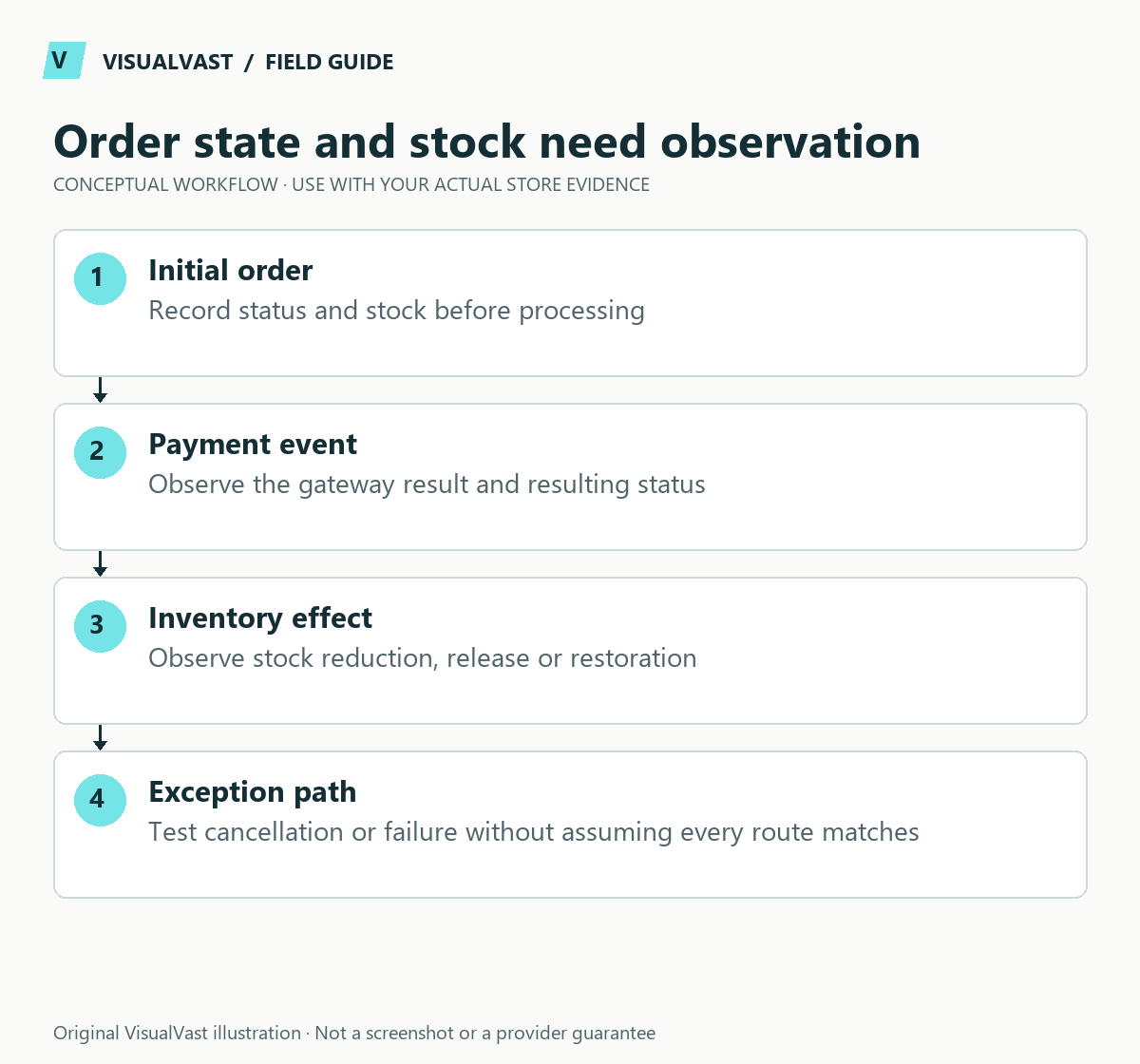
Trace one product and one order
Write down the starting stock quantity, whether stock is managed at parent or variation level, the purchased quantity and the timeline. Compare the order notes with the current product record. If an external system controls inventory, include its latest update and sync direction.
For a fictional product with five units, an order for one unit should have a traceable effect. If WooCommerce shows four and an external ledger shows five, first determine which system is authoritative. Re-entering five without checking the order can create overselling.
Understand the unpaid-order timer
The product settings documentation distinguishes Pending payment from On hold: the Hold Stock duration does not serve as a general expiry timer for On hold orders. An offline payment awaiting verification may need a staff decision under the store’s policy.
Use the troubleshooting orders guide to investigate unexpected transitions. Check scheduled processing and payment notifications with the responsible technical operator; do not assume every delay is a stock-plugin defect.
Test exceptions on an isolated copy
Use a dedicated test product and sandbox payment method to observe successful payment, abandoned or failed payment, cancellation and any authorized refund/restock path. Record expected versus actual results. Do not test by repeatedly changing real customer orders. A sudden run of failed orders needs the card-testing runbook instead.
Include both parent and variation stock if the catalog uses variable products. The variation mapping example and SKU/source-of-truth plan help distinguish identity errors from status effects.
Reconcile before reopening availability
If stock was manually changed during the incident, document those edits and compare physical stock, legitimate orders and provider records before increasing the quantity. Use the checkout test plan and assemble a support packet for unresolved behavior.
Care & Maintenance can scope recurring checks and incident ownership. The business still needs a clear policy for unpaid orders, cancellations and the person authorized to reconcile stock.
Care & Maintenance
Hand off the upkeep, keep the checks
WooCommerce Care covers scheduled updates, backups, monitoring and a monthly checkout test, with a written report. Care starts at $199 USD a month. Care Plus adds two hours of fixes and support each month.