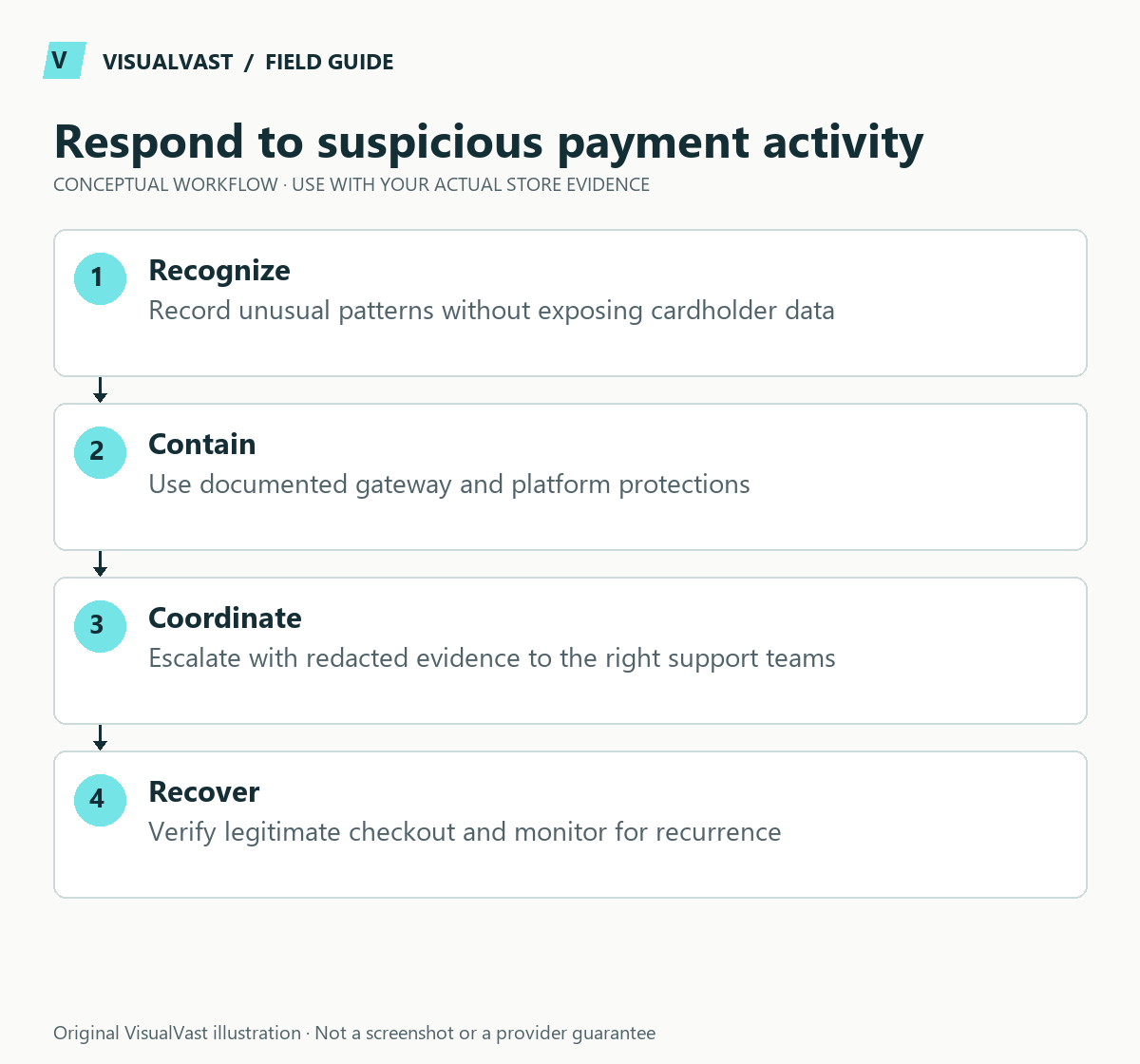
If failed orders suddenly surge, investigate a possible card-testing attack without assuming every failure is fraud. Preserve a short timeline, contact the payment provider and contain the affected payment route with the responsible technical team. Do not treat the failed-attempt count as missed legitimate sales.
WooCommerce’s card-testing response guide describes repeated attempts to validate stolen card details and the potential for fees and disputes. This article is a defensive coordination runbook. Expect to combine several controls, since no single plugin or setting stops every attack.
First: identify the pattern and owner
Record when the unusual activity began, which payment method is affected, approximate attempt counts and whether any transactions succeeded. Compare WooCommerce order notes with the payment provider’s records. A single customer’s declined card is different from a rapid cluster of low-value attempts.
Nominate one incident owner and one communication channel. Avoid several people independently changing payment, security and checkout settings. Preserve relevant logs through an authorized process, with customer and payment data protected. Do not post full logs in a public forum.
Contain with the payment provider and host
Ask the provider to review the suspicious activity and its available fraud controls. Ask the host or security operator to assess traffic patterns and targeted protections. If an affected checkout route must be paused, document who approved it, the customer impact and the condition for reopening.
Use this guide’s worksheet in the fillable workbook (PDF, page 29). Download and save a copy to retain your entries.
Download: Support evidence packet (CSV)
| Decision | Evidence needed | Responsible party |
|---|---|---|
| Is this likely automated abuse? | Attempt timeline and provider signals | Payment provider and incident owner |
| Which route needs containment? | Affected method, products or endpoint | Technical operator with business approval |
| Which transactions require action? | Provider-reviewed payment records | Authorized payments operator |
| Can checkout reopen? | Controlled legitimate checks and monitoring | Incident owner |
Transaction handling, including any refunds or disputes, belongs with the payment provider and an authorized business operator. Do not bulk-delete suspicious orders before preserving the evidence needed for reconciliation.
Avoid controls that create a second incident
A bot challenge, rate limit or guest-checkout change can also affect real buyers. Check compatibility with the actual checkout and payment integration. Test the intended protection in a safe environment where practical, then monitor legitimate completion after deployment. Do not stack multiple untested security plugins during the incident.
WooCommerce also documents fraud-prevention features. Availability and configuration vary by version and payment setup, so use the guidance that matches the installed environment. No detection system is perfect, and a quiet period alone does not establish that the cause has been removed.
Recover the operating picture
Reconcile successful transactions, failed attempts, fees, fulfillment and customer enquiries. Confirm that no suspicious order was accidentally sent to a POD provider or packing team. Record what was changed and which controls remain temporary.
Use the checkout acceptance plan to verify the legitimate buying path and the support evidence checklist for escalation. Add the lessons to the maintenance and handover runbook.
Care & Maintenance can define monitoring and incident responsibilities in an agreed scope. Do not assume an emergency response window or payment-provider authority that has not been arranged.
Care & Maintenance
Hand off the upkeep, keep the checks
WooCommerce Care covers scheduled updates, backups, monitoring and a monthly checkout test, with a written report. Care starts at $199 USD a month. Care Plus adds two hours of fixes and support each month.