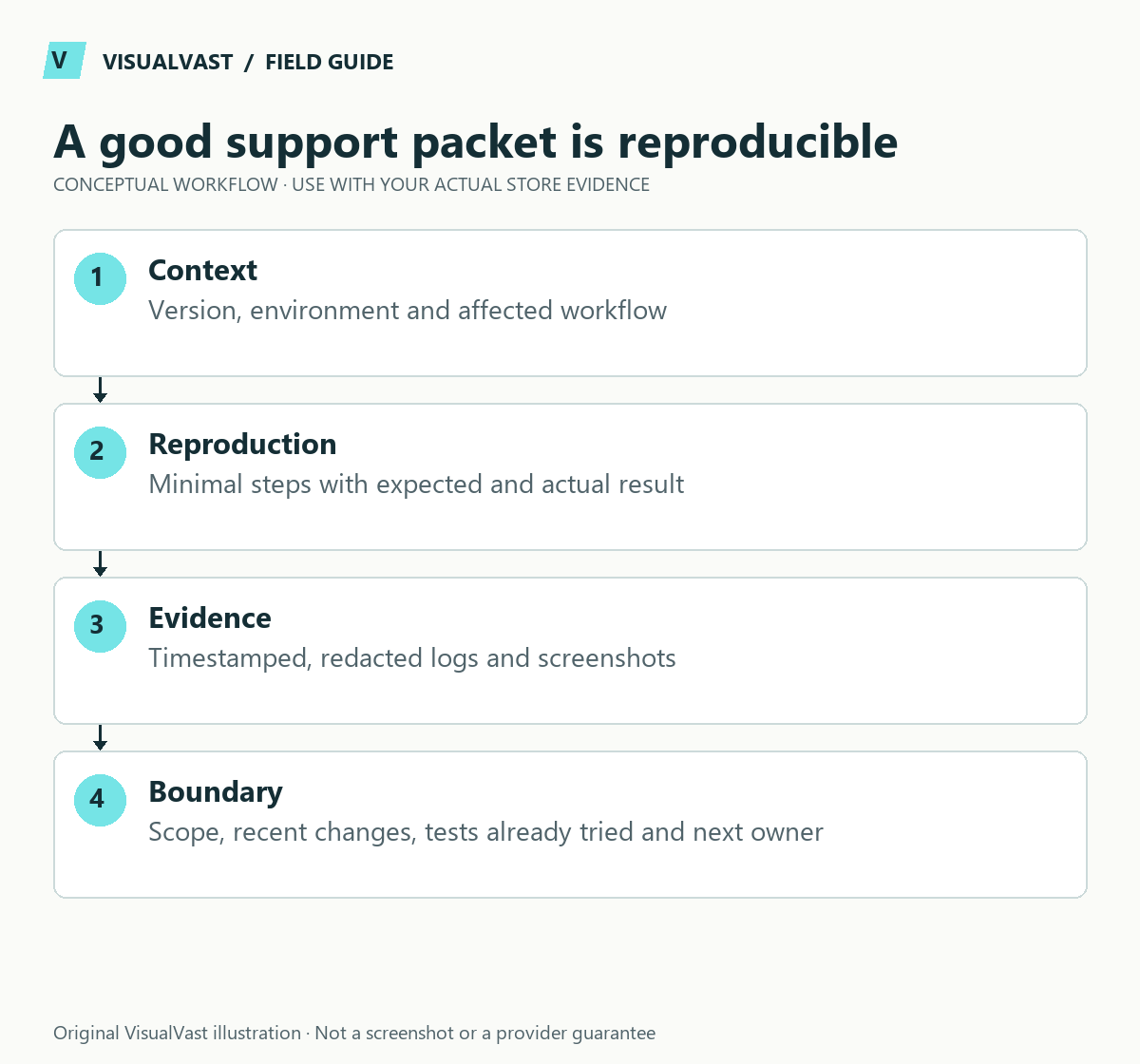
A useful support request explains what failed, what should have happened and how to reproduce it. Include the relevant versions and a short timestamped evidence trail. A large unfiltered log dump or “the store is broken” usually creates more questions than answers.
WooCommerce recommends its System Status report for diagnosing configuration and version details. Review the report before sharing it, and send sensitive operational information through the vendor’s authorized private support route.
Write the smallest reproducible case
Describe one affected workflow: for example, a specific variation can be added to cart but no shipping method appears for a supported destination. State the expected result, the observed error and whether every product or only one combination is affected.
Use numbered steps in your own request: open the product, select the options, enter the authorized test destination and observe the result. Include a direct public page URL if appropriate. Do not attach private order-download links or token-bearing administration URLs.
Assemble the evidence packet
Use this guide’s worksheet in the fillable workbook (PDF, page 33). Download and save a copy to retain your entries.
Download: Support evidence packet (CSV)
| Item | Include | Remove or protect |
|---|---|---|
| Timeline | First failure, last known success, time zone | Unnecessary customer activity history |
| Environment | WordPress, WooCommerce, theme, relevant extension versions | Credentials and private infrastructure details not needed |
| Reproduction | Exact actions, affected product model, expected/actual result | Real personal data when a test case works |
| Logs | Relevant source and short time window | Secrets, tokens, payment and personal data |
| Changes | Recent updates, settings or integration changes | Unrelated historical exports |
| Impact | Affected workflow and approximate scope | Unsupported claims about total losses |
Record whether the issue reproduces on staging and how that environment differs from production. A staging mail guard or disabled fulfillment connector can explain a test result; it should not be omitted from the report.
Choose the support owner by the failing boundary
For missing order emails, separate generation from transport using the email log workflow. For a missing Printify order, trace the provider import route. For download failures, use the permission and file decision tree.
If you cannot locate the boundary, say so and include the evidence. Let the vendor confirm which component is at fault. A host, payment gateway and WooCommerce extension may each own different parts of the same transaction.
Keep diagnostics safe and reversible
Do not send admin passwords, API keys or full customer exports in the first request. If access is required, agree an approved, limited access method and an expiry or review point. Preserve backups before conflict testing. Prefer isolating theme or plugin interactions on staging, with payments and external fulfillment controlled.
A short screen recording can be useful when the behavior depends on a sequence. Start from the clean test state, show the error once and hide browser tabs or notifications containing unrelated information. Label any fictional data used in the demonstration.
Close the loop after support replies
Record the recommendation, the exact change, the test result and any remaining uncertainty. Do not apply several unrelated suggestions simultaneously and then call the first one the cause. Add a regression check to the maintenance runbook.
WooCommerce Care & Maintenance can help coordinate diagnosis and vendor escalation within scope. A clear evidence packet is useful whether the work is handled internally, by VisualVast or by the extension vendor.
Care & Maintenance
Hand off the upkeep, keep the checks
WooCommerce Care covers scheduled updates, backups, monitoring and a monthly checkout test, with a written report. Care starts at $199 USD a month. Care Plus adds two hours of fixes and support each month.