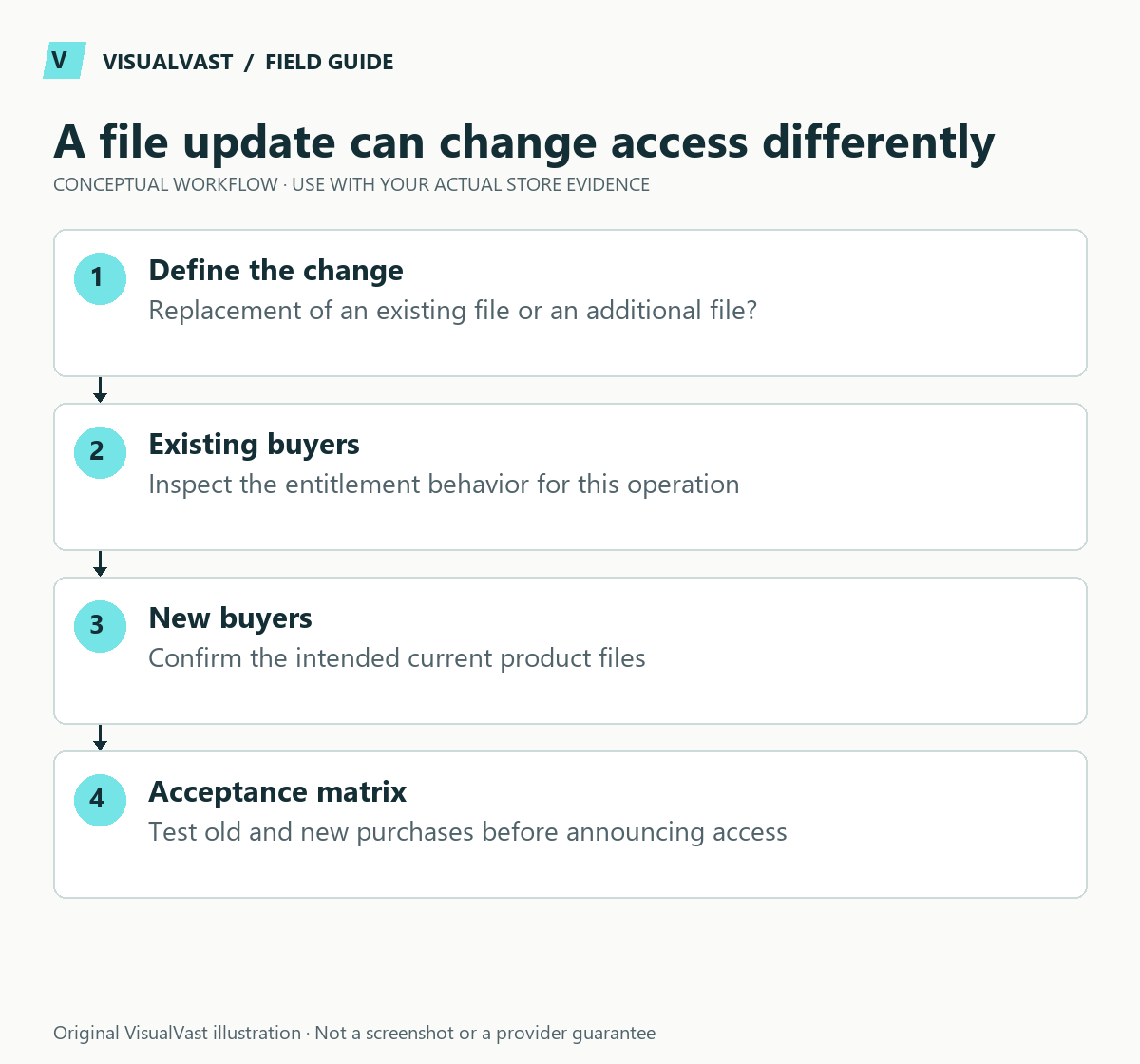
Decide whether you are replacing an existing deliverable or adding a new one before editing a downloadable product. WooCommerce treats those changes differently for past purchases. After a successful upload, confirm that previous buyers have the entitlement you intended.
The official download guide says that editing an existing download row updates links for past purchases while preserving expiry and remaining download counts. Old orders receive a newly added download row only if you grant it to them. Use that distinction to plan the release.
Write the intended entitlement first
Use this guide’s worksheet in the fillable workbook (PDF, page 28). Download and save a copy to retain your entries.
Download: Digital-download entitlement test matrix (CSV)
| Change | Intended customers | What to verify |
|---|---|---|
| Correct a typo in the purchased file | Existing entitled buyers and new buyers | Edited row resolves to the right version |
| Add a bonus file | Whatever your offer actually promises | Whether old orders need separately managed permission |
| Launch a materially different edition | Defined upgrade audience | Product, price and entitlement are intentionally separated |
| Change storage location | Existing valid entitlements | New target works without exposing the file publicly |
Do not promise lifetime access or all future additions unless your product and operating setup support it. A technical permission setting does not settle what your customer contract promises. Align the product-page access explanation with the actual offer.
Prepare two controlled customer cases
Use one authorized older test purchase and one new test purchase. Record file name, row identity, current target, expiry policy and remaining count before changing anything. Keep a secure copy of the previous file so a bad export can be corrected without guessing what customers received.
Apply the intended change in staging first. Then check the account download list and the resulting file for both cases. Open the downloaded file and inspect its version or contents; a filename alone can conceal an old cached asset.
Preserve the distinction between a file and its link
Renaming the product and replacing its downloadable file are separate changes. Uploading a file to storage and attaching it to the correct product row are separate steps. Creating an extra row and extending existing permissions are separate actions.
If a buyer’s link now fails, follow the download diagnosis tree before resending any notification. If the account link works but no email arrives, use the email workflow. Keep private download tokens out of public support screenshots.
Release and communicate deliberately
Record who approved the update, which product it affects and what buyers should expect. If customer communication is needed, use an authorized channel and a factual message explaining the change. Do not imply that a broken old link is the customer’s fault before checking the permission record.
After release, verify a representative old entitlement and new purchase, then monitor support reports. Avoid bulk permission changes until the exact affected group and policy are clear. Ask the relevant extension vendor about membership or subscription behavior if your setup uses those features.
Use the maintenance runbook to assign an owner for future file releases. WooCommerce Care & Maintenance can include scoped operational checks and support; define the affected products and entitlement rules before work begins.
Store templates
Listing, download and support templates, ready to edit
The Store Content and Customer Experience Bundle gives you 30 editable templates and seven worked examples for product facts, file instructions and common support replies. $19 USD, digital download.